 MemoryBox
YYouSun 14 NovFamily
3:18 / 12:40
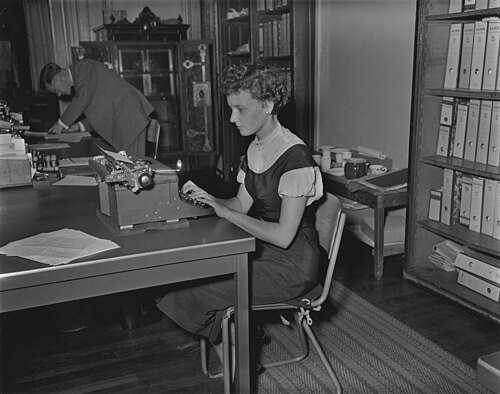
Mom's first job, 1955
42
Record a parent's story in their own voice, add the photo that goes with it, and share it only with the family members you choose.
Coming to iPhone and Android. Voice recordings up to 15 minutes.
Each memory keeps its recording, photo, date and comments together. Open one to play it, read what was said and see who it is shared with.
See how sharing works


Can you ask her about the boss next Sunday?
Pause when the story wanders, then carry on. The take stays on your phone until you save it.
Recording
Up to 15 min
3:12
Recording
11:48 left of 15:00
Film in the app or pick a clip from your library. Longer clips are stopped before they upload.
 4:51
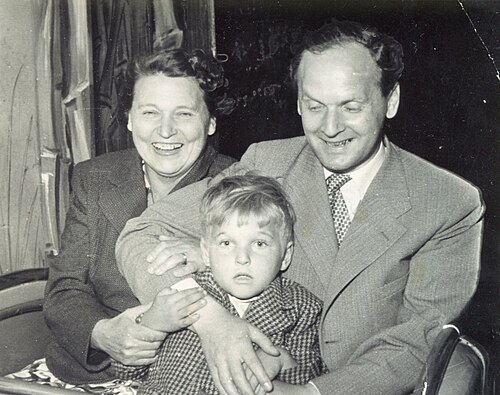
Photograph a print from the album, crop it and save it, or pick a picture already on your phone.
Write longer entries in the notebook. An unfinished page is kept on your phone for next time.
Draft · kept on this phone
The best advice I ever got
Grandpa said to write the date on the back of every photo. He was right. Half the box in the attic has no dates, and nobody left can tell me which summer it was.
So this year I am going through the album with Mom, one page a Sunday, and writing down what she remembers before I forget to ask
Ask your mother about her first job. Record her answer, add the photo of the office, and share it with the people who want to hear it.
A Circle is a private group: your parents, your siblings, the cousins abroad. Share a memory with a Circle and only its members can see it, comment and react.
Invite your family
Name it after a person or a time, like Grandma's life or Our first house.
New Lifestory
Name
Grandma's life
Who it is about
Grandma, born 1934
Create LifestoryMemoryBox asks where to begin, such as your earliest memory from 1955. Write or record the answer.
Guided question
What is your earliest memory from 1955?
Next: Tell the story of the wedding, the moment you remember best.
Each memory lands on its year, and life phases sort them into Early Childhood, Adult and Family.

Every new memory is saved as private. You choose the Circle that sees it, and a link for someone without the app can be turned off again.
Account
Privacy & Security
AI features
Safety
Data
Something not covered here? Email us
MemoryBox is in testing now. Join the waitlist and we email you once, on the day it reaches the App Store and Google Play.
Only you, until you share one. A Circle sees what you share with it, and a link works until you turn it off.
Only if you allow it. Google Gemini writes titles and transcripts after you tap Allow, and Settings turns it off again.
Yes. Make a link to one memory and send it. It opens in a browser, and you can turn it off at any time.
Yes. Settings, then Delete account, removes your account and your memories. Single memories can be deleted at any time.
Leave your email and we write once, when MemoryBox is in the App Store and Google Play.
Record your first memory
Just talk. A minute is plenty. It stays private until you choose to share it.
Tap to record
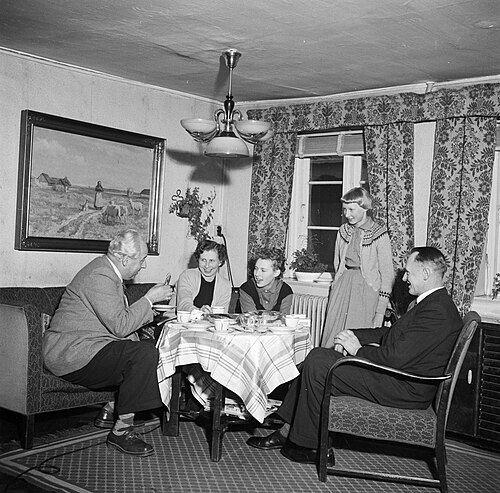
I never knew she typed for the shipping office.